How to Manage a BGV Agency Using CredCorp
Managing multiple background verification (BGV) agencies through traditional, existing processes often involves juggling spreadsheets, tracking endless email threads, logging into various portals, and losing sight of ownership and progress.
The outcome? Data scattered in silos, constant follow-ups, unclear accountability, and a mountain of stress. But with CredCorp, this becomes a thing of the past.
Let’s explore how our SaaS platform transforms the experience.
What You Need Before You Start Working with a BGV Agency
Since CredCorp is designed to manage workflows between employers/staffing agencies and background verification agencies, it won't help you find an agency or close a deal. At this stage, it serves as a management platform, not a marketplace.
Before you start using CredCorp to work with a background verification agency, you’ll need to go through commercial discussions, negotiations, agree on turnaround times, and finalize other key details with the agency of your choice - outside the platform.
Once that's taken care of, we move on to the next stage: inviting the agency onto the platform.
Step 01: Onboarding The Agency onto CredCorp
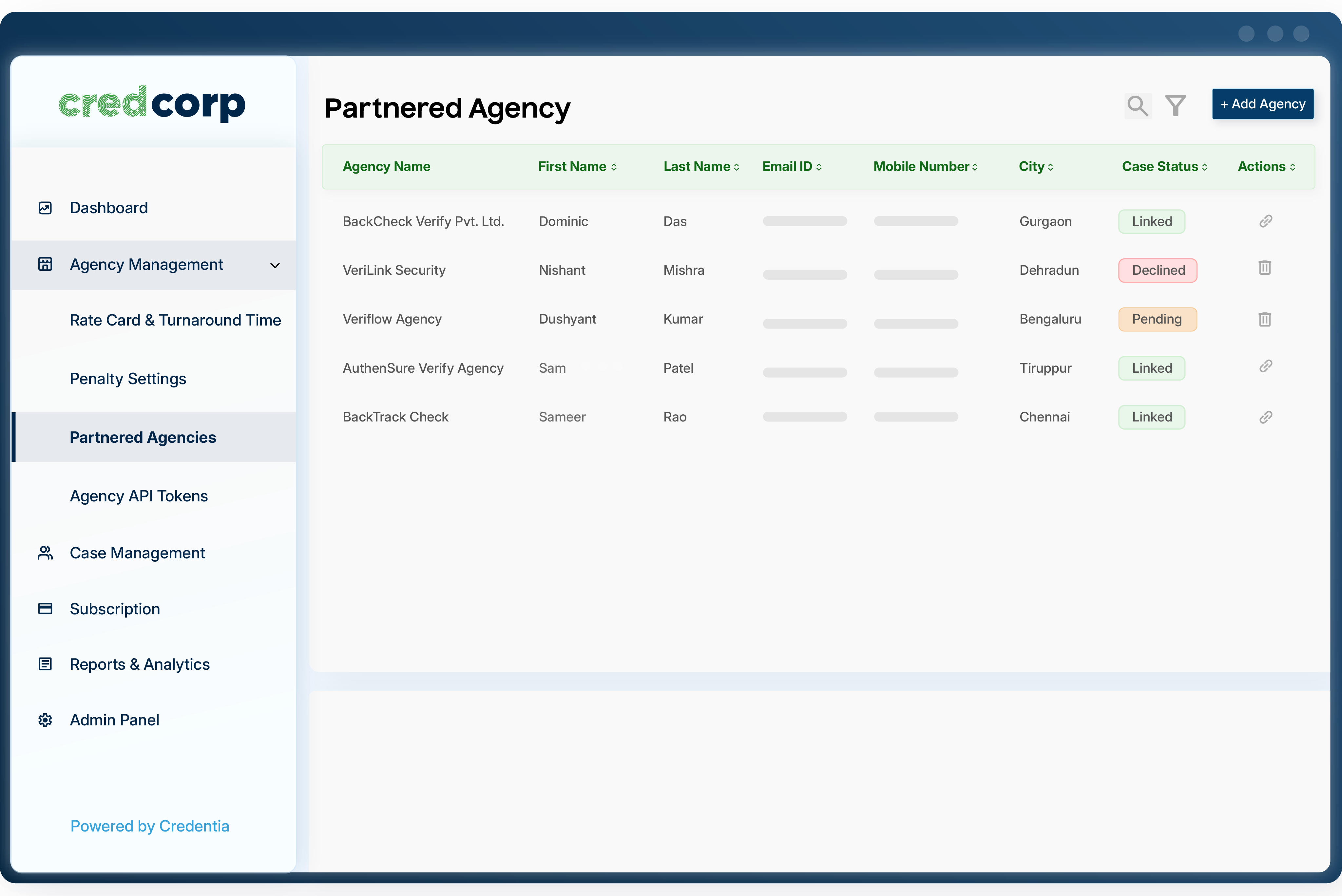
Inside CredCorp, navigate to ‘Agency Management’ and select the ‘Add a New Agency’ option to invite the agency onto the platform - if they’re not already registered.
If the agency is already on the platform, you can skip this step and simply search for them by their agency name or corporate email address.
Once the invitation is sent, the agency will onboard by accepting the terms and conditions. Following that, the linking process begins, where the agency can either accept or reject the linking request.
Once the request is accepted, we proceed to the next phase: configuring agency-linked rate cards, packages, and more.
Step 02: Replicating Contract Data Linked to The Agency
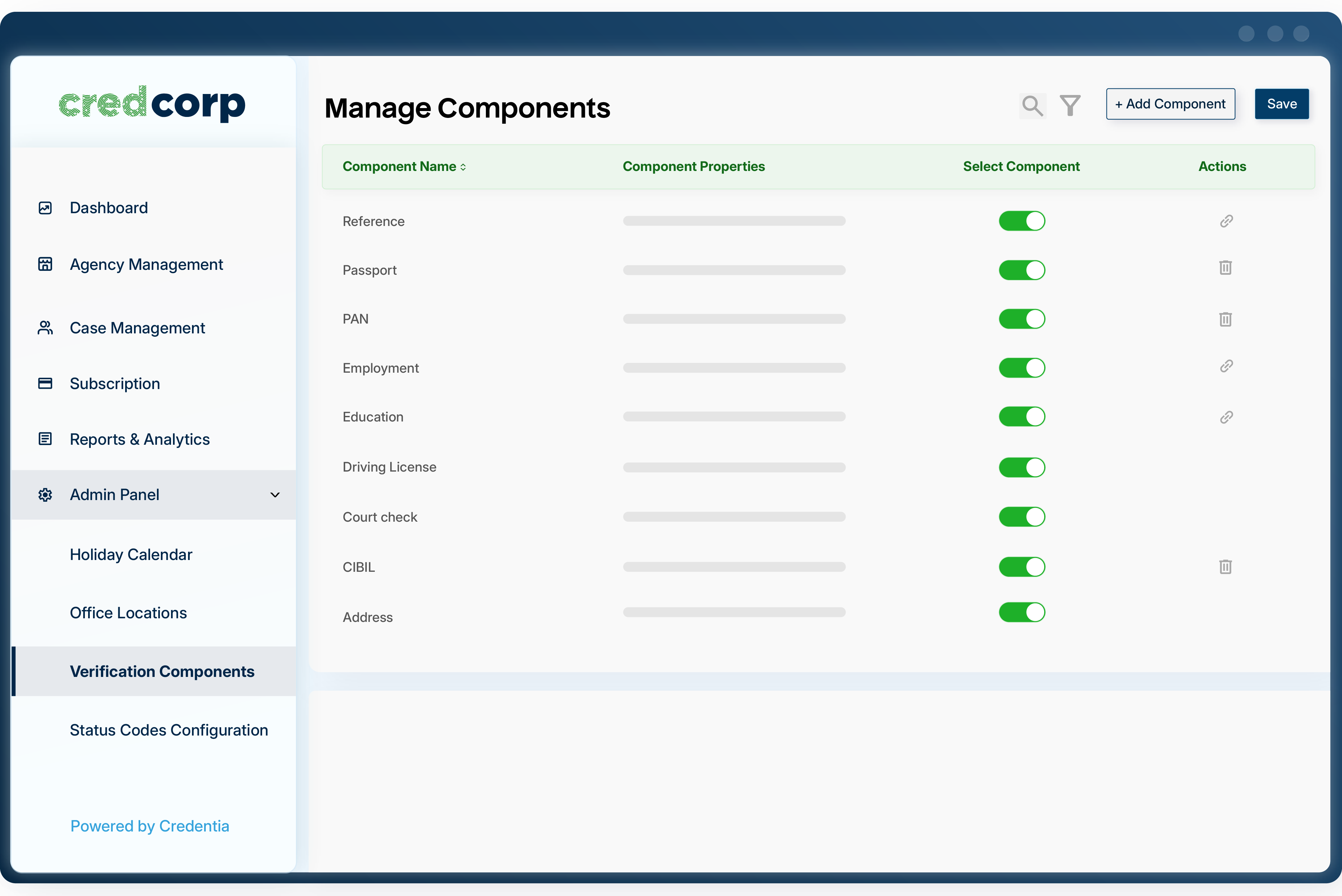
To digitize the process, you will need to replicate the pre-defined contract terms onto the platform. This includes rate cards for various verification components, pre-defined turnaround times, and packages that compile different components into one, segmented by your workflow - everything is defined at this stage.
The goal behind this is to standardize operations and enforce universal standards between the two parties involved.
Step 03: Configuring Rule-Based Automated Workflow
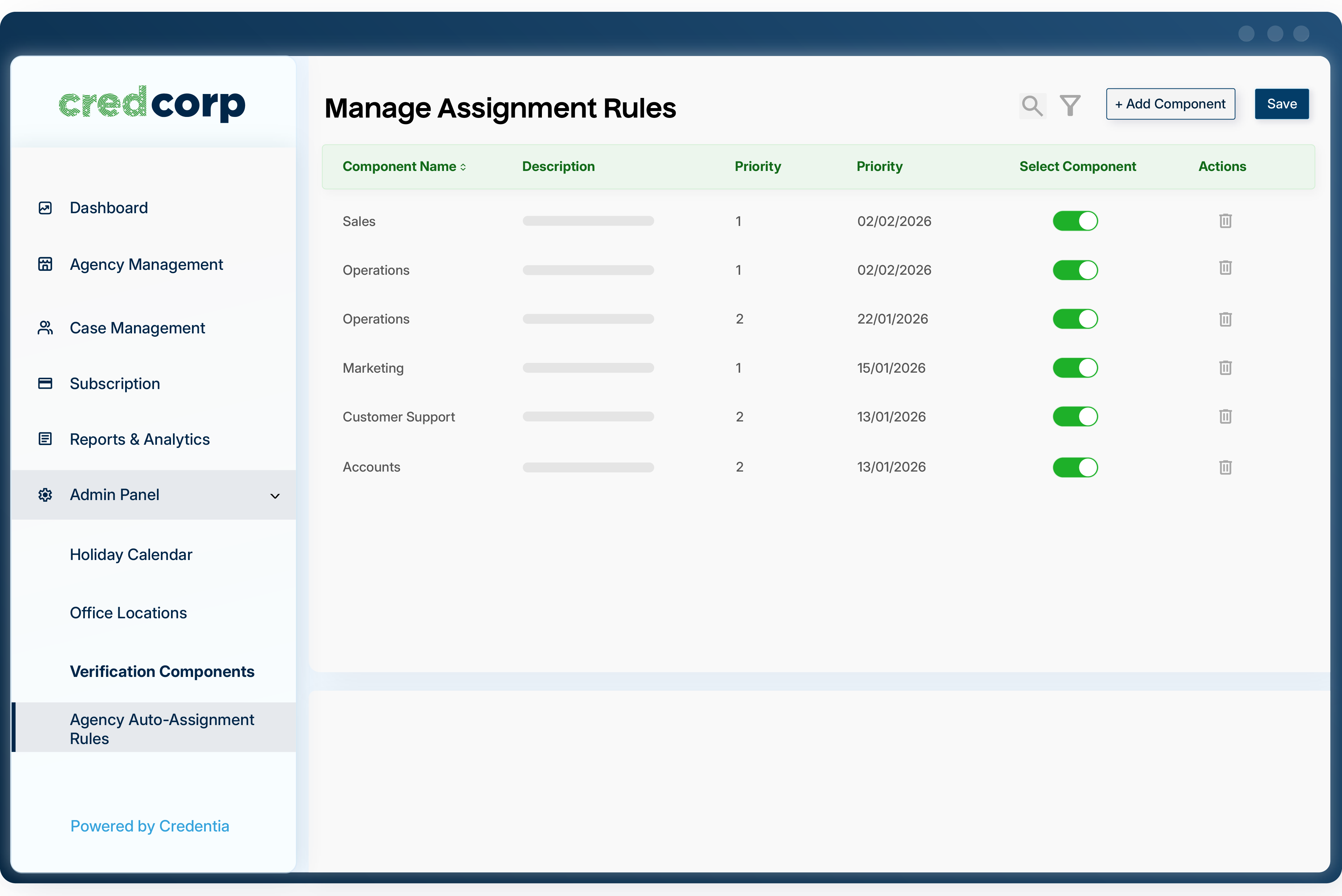
Once the basic configuration is complete, CredCorp allows you to build rule-based workflow templates to run the entire operation on autopilot.
To get started, you can choose from a wide range of industry-standard workflow processes. If you require something more complex, simply share the process-specific data with us, and we’ll build a custom workflow for you.
From there, once the workflow is applied, all you need to do is enter the case details and let the system take care of the rest - because that's what autopilot is all about.
Step 04: Managing Candidates, Cases and Tracking
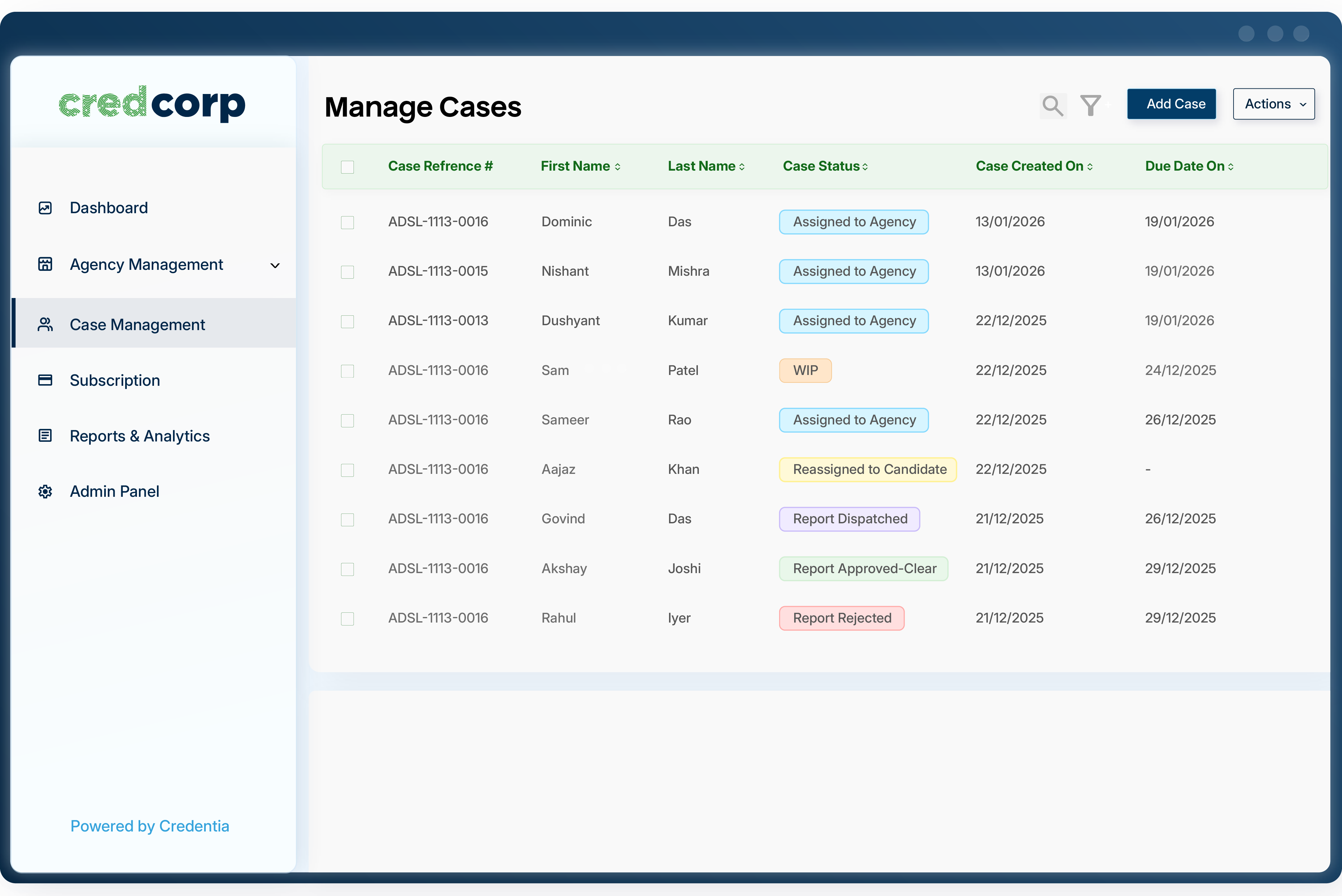
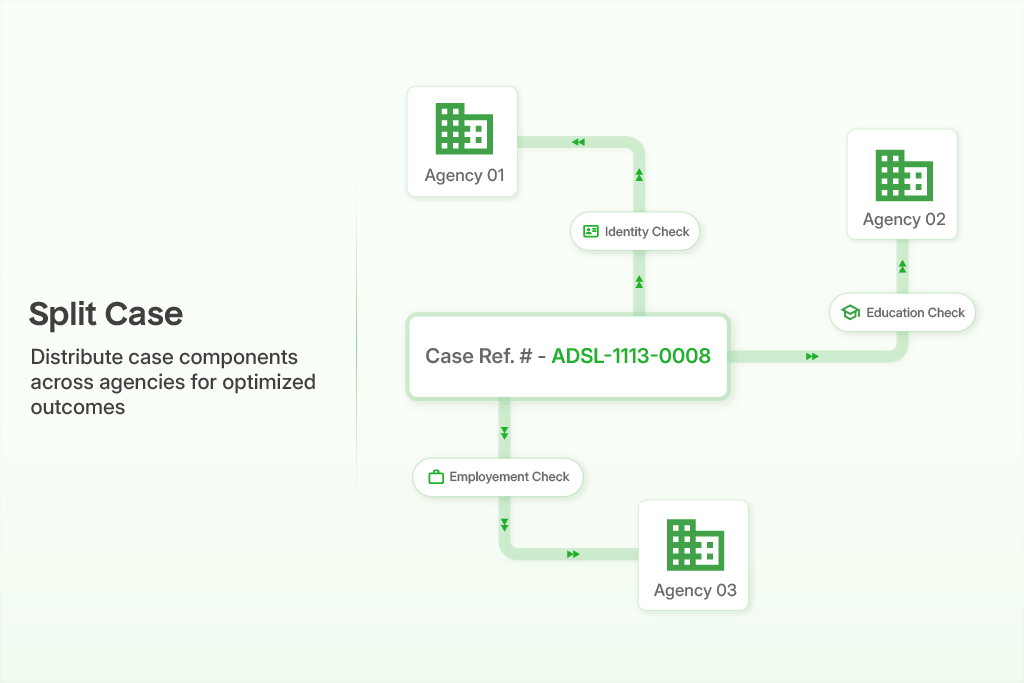
To manage cases, simply access the candidate/case dashboard. This dashboard allows you to import case and candidate data, push cases to candidates or agencies for data collection, track real-time activity, get an overview of progress, and much more.
Step 05: Accessing Pre-Calculated Monthly Billing with Penalty Adjustments
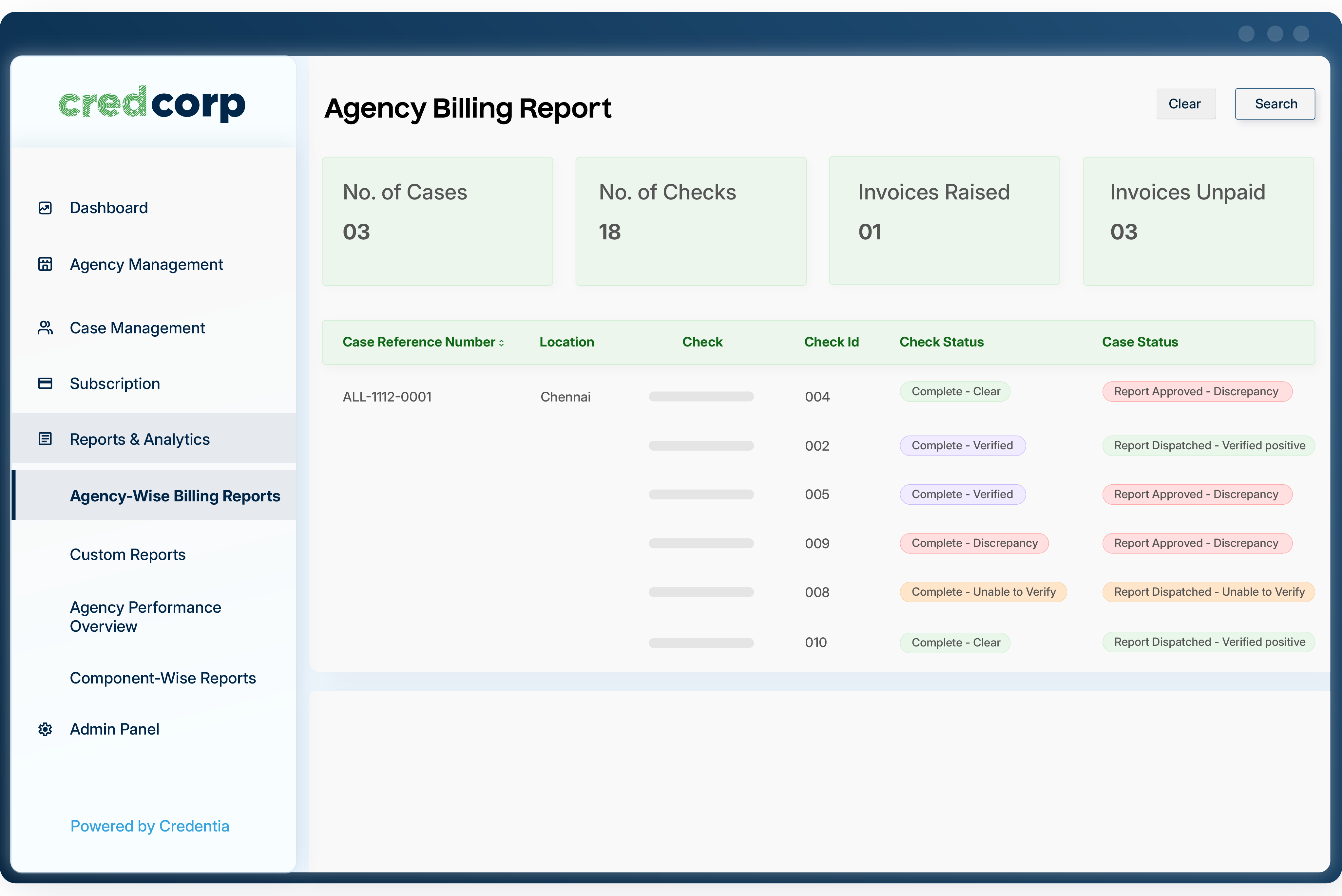
In a traditional setting, the agency would generate a billing summary that includes all cases, regardless of their status. This means a case could be marked as completed, in process, or even just listed with the agency, and the agency could generate an invoice for it. Additionally, these summaries would need to be verified by the employer, adding friction for both parties.
With CredCorp, the employer receives a monthly billing summary that reflects only the payable amount for completed cases, along with any penalty adjustments (which can optionally be enforced by the employer). As a result, the reconciliation process becomes instantly faster and easier for all parties involved.
Step 06: Accessing Pre-Calculated Monthly Billing with Penalty Adjustments
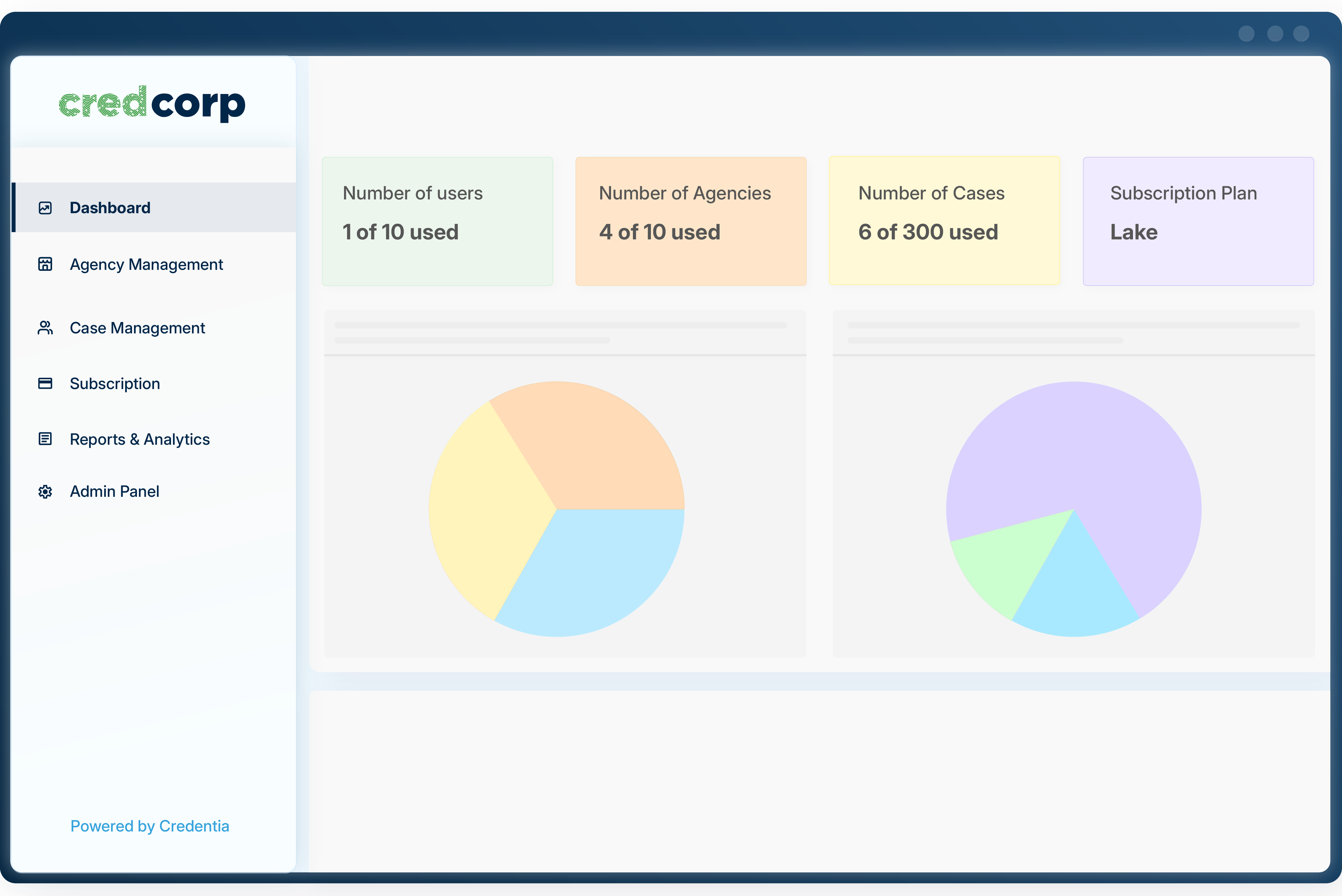
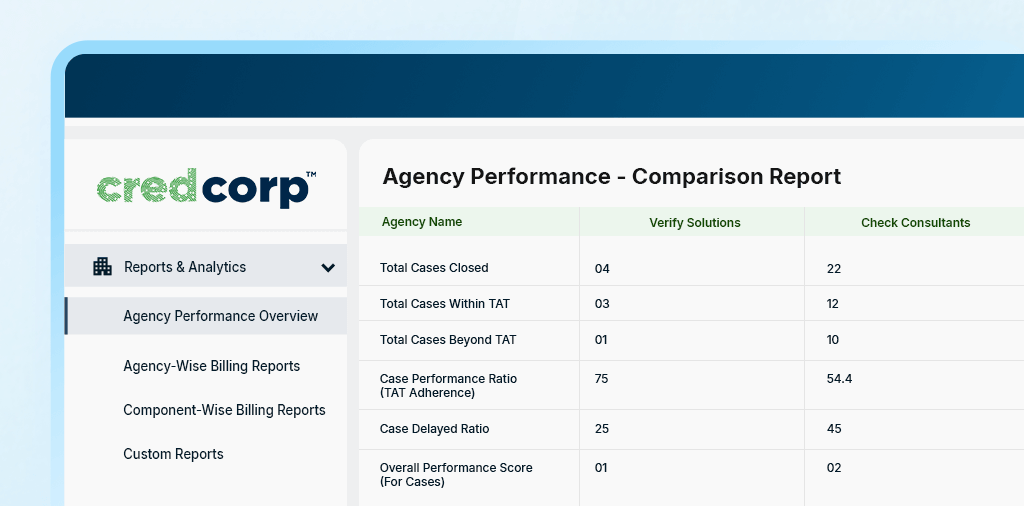
In a traditional setting, generating data from various agencies is challenging due to data silos and a lack of standardization. Employers rely on portals facilitated by agencies, each using different systems, formats, and terminology, making it difficult to consolidate and compare data.
CredCorp flips the script by allowing employers to invite BGV agencies to onboard onto the platform, rather than the other way around. This provides access to 8+ key performance indicators, enabling employers to make informed decisions based on reliable, standardized data.
Key Takeaways: 60-Second Summary
- CredCorp is used by HR professionals to manage the end-to-end workflow with partnered BGV agencies.
- To begin the process, a CredCorp user needs to request that the agency be onboarded onto the platform, a step that the employer (the client of the BGV agency) can easily facilitate on their side.
- The initial steps require the employer to replicate contract details such as predefined rates, timelines, penalization, and more onto the platform for standardization.
- Next, the employer can proceed to manage cases through a different module, where they can add, modify, and track cases along with real-time activity.
- Following this, the employer can access monthly billing summaries (with penalty adjustments), which only show the amount for completed cases in the particular month.
- Lastly, the employer can compare different agencies based on performance data, calculated using 8+ key metrics.